

Well, we have come to the final lesson in the Kindle Publishing for Beginners. I sure hope you have enjoyed your lessons and learned a lot about publishing your own books for Kindle to increase your bottom line.
In this final lesson were going to go over a few important dos and don’ts that you should keep in mind when creating publishing and selling your Kindle books.
Let’s jump right in:
Do make sure your ebook is in proper format. Not all ebooks are compatible with the Amazon Kindle device. All Documents must be in digital text format for Kindle. Luckily, Amazon handles the conversion for you.
You will, however, need to start with an HTML, word, text, or PDF file. They recommend an HTML file. If you use Microsoft Word, keep your file as is or save as HTML.
Don’t assume ebooks are only for creative writing. It is important to know that ebooks are just like print books. In fact, many on the New York Time’s Best Seller List are available in ebook format for the Amazon Kindle and other similar devices.
You don’t need to be an established author to compose an ebook and it can be on any topic. Popular books include how-to guides, memoirs, horror, romance, and more. Your options are virtually unlimited.
Do create an outline. Ebooks can be overwhelming for new writers. As previously stated, many automatically think of those on the bestseller list. Don’t let this intimidate you. You don’t have to have a bestselling book to make money.
It also doesn’t have to be 200 pages long. Some popular ebooks are less than 50 pages long. As long as you get your point or story across, it Doesn’t matter how long or short an electronic book is.
Don’t Limit Yourself
Don’t limit yourself. You aren’t guaranteed a sale by selling an Amazon Kindle book, but there is a good potential to make money and increase your bottom line. For that reason, Don’t limit yourself.
Do you want to create an ebook on a popular subject, such as working from home or saving money? Do you also want to hone in on your creativity and write a romance novel? Do both! In fact, the more books you write, the easier it will be to make money.
Do provide plenty of details about your book. Before you convert your ebook file into digital text, you will provide details about it. This involves the title, author names, descriptions, genre, and more. Use this section to your advantage.
Recheck your title. Is it the perfect fit for your book? If so, move on to the description. Provide as much information as possible. Use this spot to convince buyers your book will be the best they ever read.
Don’t add “fluff” to increase your word count or page numbers. As previously stated, an ebook comes in a number of different formats and sizes. Do not assume you need to have an ebook that is 300 pages long.
If you are writing a how-to book on how to save money at the grocery store, just start writing. If you get your point across in only 75 pages, so be it. Slightly lower the selling price of your book to compensate for the small content. Honestly, readers don’t want to be bombarded with fluff or fillers.
Proofread to Confirm the Ebook Loaded Properly to Kindle
Don’t assume your documents loaded properly. Once uploading your ebook to the digital text platform, you can override the preview function. Don’t Do this. Instead, preview the book. Look at the formatting.
It’s not uncommon for formatting malfunctions to occur. You may find page break errors and more. You must spot them before you can fix them.
Do proofread your ebook before uploading and converting to digital text. As previously stated, Microsoft Word catches most grammar and spelling errors for you. But, it isn’t 100% full proof. For that reason, proofread at least twice.
Don’t forget to add a table of contents. Whether you write a fiction or non-fiction book, have a table of contents. Mention the name of each cheaper or section and the page it starts on. The table of contents comes after the cover.
Create an Eye-Catching Cover
Do create an eye-catching cover. If you have sold ebooks before, you have one more advantage up your sleeve. That is the ability to make a cover or the contact information of a graphic designer. Use the same approach you did to create previous ebook covers.
If you are unfamiliar with graphic design, hire a professional. Your cover is the first thing buyers see in the Amazon Kindle Store.
Don’t assume you have a good cover. Remember, Kindle shoppers will see your book cover first. For that reason, it needs to be really good. A poorly designed or created cover will be a turnoff.
If your cover appears to be sloppy, buyers will automatically assume your writing is too. So, ask for feedback. Create two or three different covers and ask people you trust to help you decide which one is best.
Don’t set your price too high. Amazon lets you set your own price for your Kindle book. This provides you with a unique opportunity, but also the opportunity to make a mistake.
Set a fair price. If your book is less than 50 pages, Don’t expect to get more than $10. Also, consider the cost of the Kindle. It is expensive. After paying a lot for the device, owners Don’t want to spend $20 for a book to read. After all, they can head to the bookstore and pay less.
Market Your Kindle Book to Increase Your Bottom Line
Do market your book as we discussed in your last lesson. After you describe the book, upload and covert the files, and set your price, it will appear in Amazon’s Kindle Store in about 24 hours.
Many first-time authors decide to sit back and wait for the sales to roll in. Yes, you can Do this. Or, you can continue to market your Amazon Kindle book online and increase your profits to increase your bottom line.
These are only a few basic do’s and don’ts you should keep in mind when it comes to publishing Kindle books. Even though I’ve done my best to touch on all the basic elements needed to get started publishing on Kindle right away, keep in mind that there are still many aspects of publishing with Kindle that you may want to learn, so be sure to take full advantage of all of the help files and community forms provided on the KDP platform.
As we close this final lesson I would like to thank you again for joining me and I sincerely hope that you have learned a lot about how to get started publishing your own books on the Kindle platform! Kindle is a great way to increase your bottom line.
And even though our lessons have come to an end, please feel free to contact me if you have any questions about how to start publishing and promoting your Kindle books. I will still be available and glad to help!
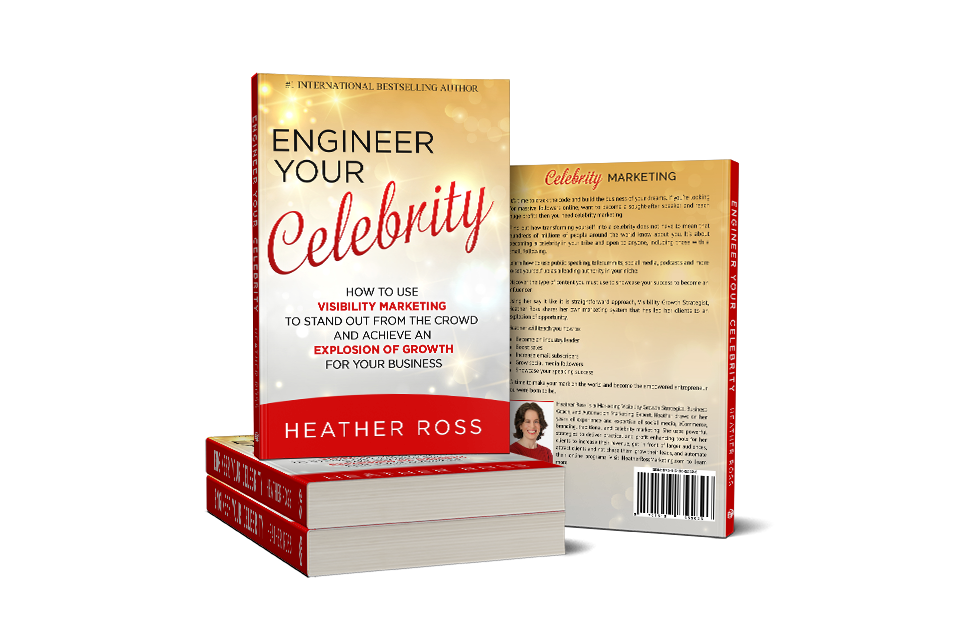
Make sure to check out my book on Kindle.
Don’t Miss: All the Kindle Lessons to Increase Your Bottom Line
The Truth About Kindle Publishing for Beginners
How to Start Writing Your First Kindle Book
How to Set the Correct Price on Kindle that will Increase Your Bottom Line
Leave a Reply